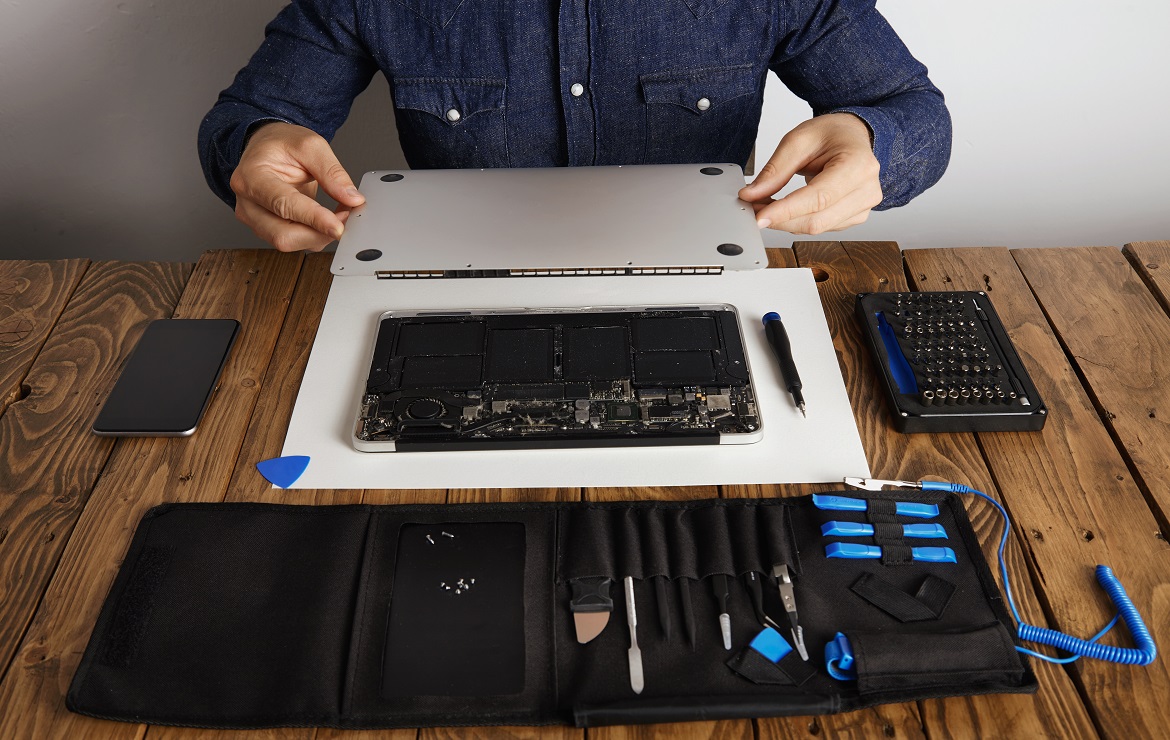

How to Check If a Used Laptop Is Good for Purchase

Buying a used laptop can save you money—but only if you know what to check before making the deal. Many buyers focus only on the brand and price, but there are several other essential factors that determine whether a laptop is worth buying.

Here’s a step-by-step guide to help you evaluate a used laptop like a pro.


✅ 1. Inspect the Body for Damage

Look closely at the laptop’s:

  • Screen – Check for cracks, dead pixels, or discoloration.
  • Keyboard & Trackpad – Ensure all keys work and there’s no stickiness.
  • Ports & Hinges – USB, HDMI, charging port, and hinge movement should be firm and functional.
  • Chassis – Look for dents or signs of water damage.

📌 Tip: A laptop with only minor scratches is usually fine, but structural damage is a red flag.


✅ 2. Check the Laptop’s Battery Health

A weak battery can turn a good deal into a headache.

  • Ask the seller to show you the battery report.
  • On Windows, use: powercfg /batteryreport
  • On macOS, go to: About This Mac > System Report > Power

📌 Tip: Avoid laptops that only last 20–30 minutes on battery unless you’re okay with replacing it soon.


✅ 3. Test the Performance

  • Boot it up and see how quickly it loads.
  • Open a few applications to check speed.
  • Ensure there are no heating issues or fan noise.

📌 Ideal Specs for Most Users:
Core i5 or i7 (8th Gen+), 8GB RAM, SSD (256GB+)


✅ 4. Check the Display and Webcam

  • Run a color test to spot any faded areas or flickering.
  • Turn on the webcam to make sure it’s clear and functional.
  • Try adjusting brightness and resolution settings.

📌 Tip: A dim or glitchy display may require expensive repairs.


✅ 5. Run Connectivity Tests

Check:

  • Wi-Fi and Bluetooth performance
  • Audio jack, microphone, and speakers
  • USB, Type-C, SD card slot (if available)

Plug in an external device like a phone or flash drive to test USB ports.


✅ 6. Ensure It Has a Genuine Operating System

Used laptops should have a fresh OS installation and valid activation:

  • For Windows: Go to Settings > Activation
  • For macOS: Make sure it’s logged out of iCloud and not locked

📌 Tip: A system with an unactivated OS or user lock can be risky.


✅ 7. Look at Storage & SMART Health

Use software like CrystalDiskInfo (for Windows) to check:

  • Total storage capacity
  • SSD or HDD health
  • Read/write speed

Avoid laptops with hard drives showing “Caution” or “Bad” status.


✅ 8. Ask for Return Policy or Warranty

If you’re buying from a seller like Posh Flair, you’ll get:

  • Device tested and certified
  • Limited warranty
  • Return or replacement options

Never buy from unreliable or unknown sources without buyer protection.are. Completely create bleeding-edge meta-services through compelling functionalities.

Quickly build covalent data after turnkey content. Distinctively reconceptualize customized growth strategies via prospective potentialities. Professionally pursue cutting-edge web-readiness vis-a-vis just in time infrastructures. Conveniently target client-based systems with turnkey sources.

Collaboratively syndicate focused opportunities for interactive deliverables. Assertively initiate client-based infomediaries through collaborative mindshare create bleeding-edge meta-services

Leave A Comment

Your email address will not be published. Required fields are marked *